Your page is live. Google might be ignoring it.
The landing page launch checklist: 38 things we check before any page goes live.
By Techtics, . 9 minute read.
One of these lines hides the page from Google. Which one?
The top of an example landing page, on the day it went live.
If you only have ten minutes, check four things
A form that emails nobody
Visitors see the thank-you. The lead goes nowhere.
How to catch it: check 29Tracking that fires twice
GA4 is installed in two places, so every number is doubled.
How to catch it: check 16A cookie banner that does nothing
It shows up, but the cookies are set before anyone chooses.
How to catch it: check 20Most launch problems aren't design problems
They're small things nobody checked: a staging noindex tag left on, a form that emails nobody, tracking that fires twice or not at all.
This is the list we run at Techtics before any landing page goes live, for our own clients and for the agencies we build for. It has 38 checks in eight groups. Each one says what to check, why it matters and how we check it.
Our bar for every page we ship: Lighthouse Performance 90+, Accessibility 95+ and SEO 100 on mobile. Lighthouse is a lab test, so once real visitors arrive we check their data too.
1. Speed and Core Web Vitals
Google's Core Web Vitals are three numbers, and a page passes when 75% of visits meet all three, on mobile and desktop separately (web.dev).
The Corner Table
A banner loads late, like most cookie bars and embeds do.
Browser extensions slow pages down and skew the score.
Check with: Chrome DevTools → Lighthouse, mobile preset.
This is when the main content appears, usually the hero image or headline.
Check with: PageSpeed Insights, mobile tab.
This is how fast buttons and forms respond. Lighthouse can't measure INP and uses Total Blocking Time as a stand-in (web.dev).
Check with: click and type through the page with the DevTools Performance panel open.
Nothing should jump while the page loads. Give images and embeds a width and height, and reserve space for the cookie banner.
Check with: PageSpeed Insights.
The hero is usually the LCP element, so lazy-loading it delays the very thing being measured.
Check with: the LCP element named in the Lighthouse report.
Chat widgets, heatmaps and ad pixels are the usual reason a fast build turns slow. Load only what the client actually uses and defer the rest.
Check with: DevTools Network tab, sorted by size.
2. Mobile and cross-browser
A resized desktop browser is not a phone. Real devices show tap problems, font rendering and slow networks that DevTools hides.
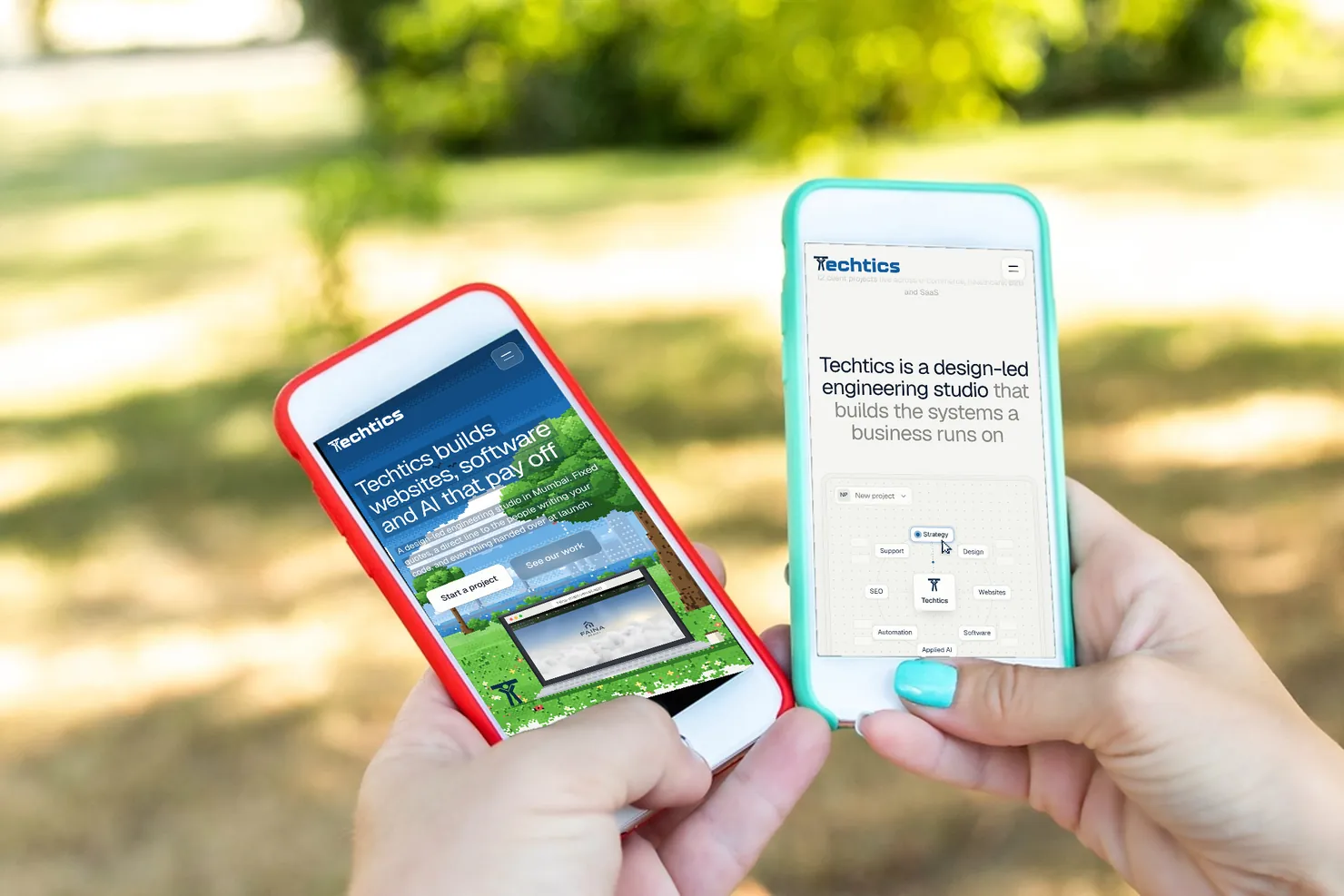
Use one iPhone in Safari and one mid-range Android in Chrome, on mobile data rather than office Wi-Fi.
Check with: the devices in your pocket.
Small phones are still common, and a page that wobbles sideways looks broken.
Check with: DevTools device mode at 320 px.
Safari is where layout bugs usually hide. Also check that sticky headers and banners never cover the main button.
Check with: real machines or a cloud testing service.
3. SEO and indexing
The classic launch mistake is a page that goes live while still telling Google to ignore it. These six checks take ten minutes.
http://example.com301http://www.example.com301https://www.example.com301https://example.com/old-sale301
https://example.comThe one Google indexes
Look for a robots meta tag or an X-Robots-Tag header saying noindex.
Check with: view source, then Search Console's URL Inspection.
A blocked stylesheet or script can stop Google from seeing the page the way visitors do.
Check with: open /robots.txt on the live domain.
These are what people see in search results.
Check with: view source or an SEO browser extension.
Not to staging, and not to a version with tracking parameters.
Check with: view source.
That gives search engines a direct list of the pages you want found.
Check with: the Sitemaps report in Search Console.
Old URLs should 301 to the new page, and http, https, www and non-www should all land on one address.
Check with: a redirect checker or curl -I.
4. Tracking and analytics
A landing page exists to convert, so the conversion has to be measured from day one. Broken tracking is invisible until someone asks why the ads aren't working.
example.com/?utm_source=newsletter
- Source
- newsletter
- Medium
- Campaign
- launch
A tag installed twice, say in the code and again in Tag Manager, doubles every number.
Check with: GA4 DebugView and Google Tag Assistant.
That means form submits, button clicks, calls and bookings, each marked as a key event in GA4.
Check with: submit a test lead and watch it arrive in DebugView.
This covers Google Ads and the Meta pixel.
Check with: Tag Assistant and Meta Pixel Helper.
Open the page from a link with UTM tags and confirm GA4 shows the right source and medium.
Check with: GA4 Realtime.
5. Consent and legal for UK and EU visitors
If the page gets visitors from the UK or the EU, this group is not optional. Google's EU user consent policy covers visitors in the EEA, the UK and Switzerland (Google).
| Tag | Banner that does nothing | Banner that works |
|---|---|---|
| Basket and security | Sets cookies | Sets cookies |
| Google Analytics | Sets cookies (should be blocked) | No cookies |
| Google Ads tag | Sets cookies (should be blocked) | No cookies |
| Meta pixel | Sets cookies (should be blocked) | No cookies |
Consent Mode signals from the one that works
ad_storagedeniedanalytics_storagedeniedad_user_datadeniedad_personalizationdenied
Before a visitor clicks the banner, no analytics or ad cookies should be set.
Check with: a fresh incognito window, then DevTools → Application → Cookies, before you click anything.
Set all four signals (ad_storage, analytics_storage, ad_user_data, ad_personalization) to denied by default, then update them when the visitor chooses. Without consent signals for EEA visitors, Google's ad measurement and personalisation features stop (Google Ads Help).
Check with: Tag Assistant's consent view.
Since February 2026, the UK's Data (Use and Access) Act lets some analytics cookies run without consent, as long as visitors are told and can easily opt out. It is narrow: it doesn't cover analytics providers that combine your data with their own, and none of the new exemptions covers advertising. If the page runs ad pixels, keep the banner (CMS).
Check with: the ICO's guidance.
They should name the tools actually on the page. Some markets also expect company details, such as Germany's Impressum.
Check with: compare the policy to the tags Tag Assistant finds.
6. Accessibility
We test against WCAG 2.2 at level AA. Most of these fixes help every visitor, not only people with disabilities: clear contrast, bigger buttons and proper labels.
2.3:1Fails AA
- 16 × 16 pxToo small on its own
- 24 × 24 pxThe AA minimum
- 44 × 44 pxComfortable for a thumb
That's a 4.5:1 ratio for body text against its background. Light grey on white is the usual offender.
Check with: WebAIM's contrast checker.
This became an AA requirement in WCAG 2.2, unless small targets have enough space around them (W3C).
Check with: DevTools, on icons, close buttons and footer links.
Tab through it: focus should always be visible, and never hidden behind a sticky header (WebAIM).
Check with: the Tab key.
Decorative images get an empty alt. Placeholder text is not a label, because it disappears as people type.
Check with: a screen reader pass, or the Lighthouse accessibility audit.
Fix every serious issue, and hit Accessibility 95+ in Lighthouse.
Check with: axe DevTools and Lighthouse.
If the client sells to consumers in the EU, the European Accessibility Act may also apply. It does not apply to microenterprises providing services: under 10 staff, with turnover or a balance sheet of no more than €2 million (CCPC).
7. Forms, content and sharing
The form is the whole point of the page. Test it the way a real lead would use it.
techtics.in/blog/landing-page-laun…techtics.in
The landing page launch checklisttechtics.in
The lead should land in the CRM or inbox, the visitor should get a confirmation, and the thank-you state should show.
Check with: a test submission using your own email.
Gmail and Yahoo require every sender to use SPF or DKIM, so set both up for the domain that sends the alerts (Mailgun).
Check with: the email headers on your test submission.
A honeypot field or an invisible challenge usually beats a puzzle.
Check with: submit on a phone, on mobile data.
No links to staging, no dead anchors, and no "#" placeholders.
Check with: a link checker extension.
Prices, dates, legal company names and phone numbers are correct, with no lorem ipsum or placeholder images left.
Check with: a second person reading it on a phone.
Add og:title, og:description and an og:image. Facebook recommends images of at least 1200 × 630 pixels for high-resolution screens (Meta for Developers).
Check with: LinkedIn Post Inspector and the Facebook Sharing Debugger.
8. Handover
A launch isn't finished until the client can run the page without you. This is also where trust is won or lost with an agency partner.

Domain, hosting, analytics and Tag Manager belong to the client, or they hold admin access. Nothing should sit on a freelancer's personal Google account.
It should explain how to edit, deploy and roll back.
Never by email or chat.
Save Lighthouse scores and screenshots on launch day so any later slowdown is visible. Set up uptime monitoring and an alert if the form stops sending.
0/38
Nothing checked yet.
38 checks to go. Next up is check 1. Your ticks are saved in this browser and nowhere else.
Want a page that passes all 38?
Our Launch Page is $600: one page, designed and built, live in 7 business days.

Sources
- web.dev: Web Vitals
- W3C: Understanding SC 2.5.8 Target Size (Minimum)
- WebAIM: WCAG 2.2 checklist
- Google: EU user consent policy help
- Google Ads Help: consent mode updates for EEA traffic
- CMS: UK data protection, what's changed
- ICO: what the Data (Use and Access) Act 2025 means for organisations
- CCPC: European Accessibility Act guidelines for microenterprises
- Mailgun: Gmail and Yahoo sender requirements
- Meta for Developers: images in link shares
Photos are CC0 from rawpixel: the phones and the kites. We put our own site on the phone screens and ran the kites through our pixel palette.